AAI
TODO: RDM 12 version, update to RDM14
AAI Management console settings
To set up and connect AAI, you’ll need to perform the following steps inside AAI management console :
- Contact AAI support to create a VO that will host the repository accounts
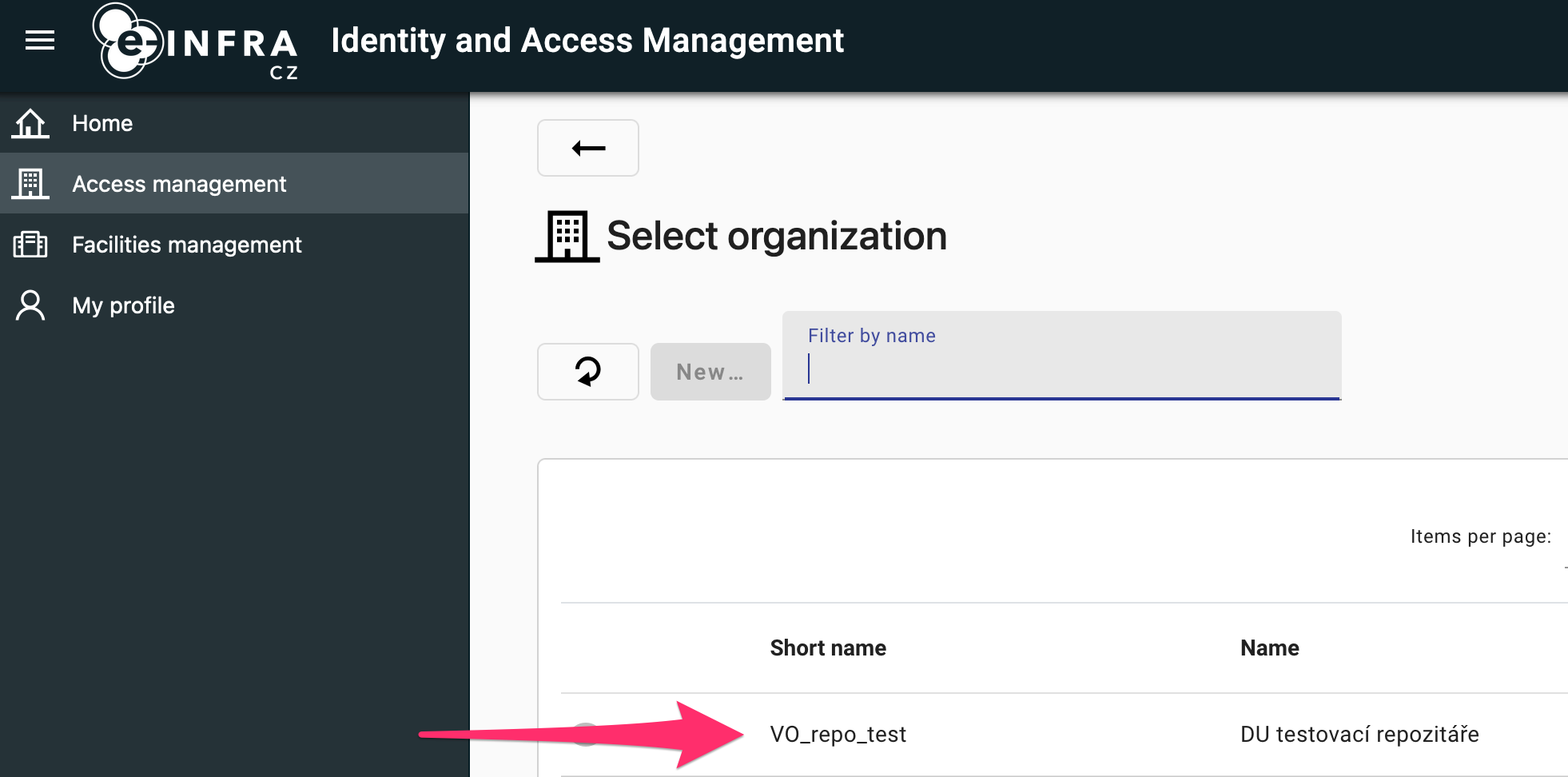
- Add a group that will hold repository root
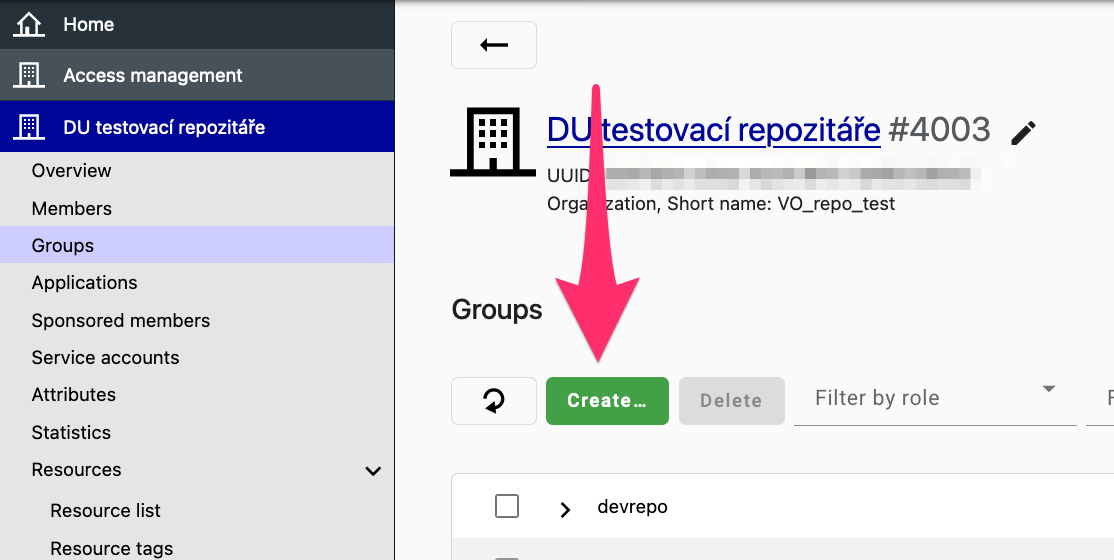
- Add a group to the repository root that will contain managed communities. Let’s call it ‘communities group’. Then:
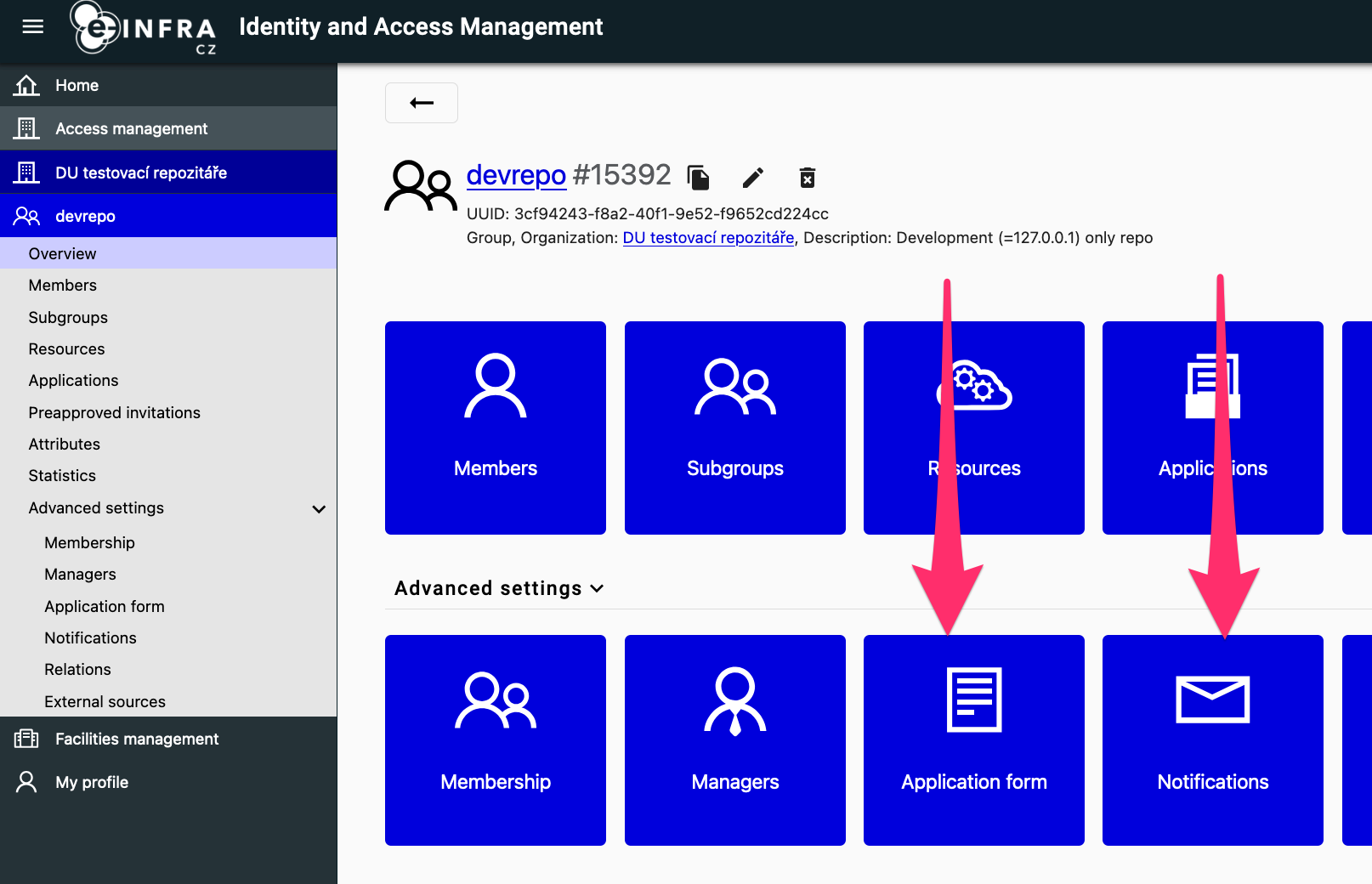
- Create an application form for the VO/group
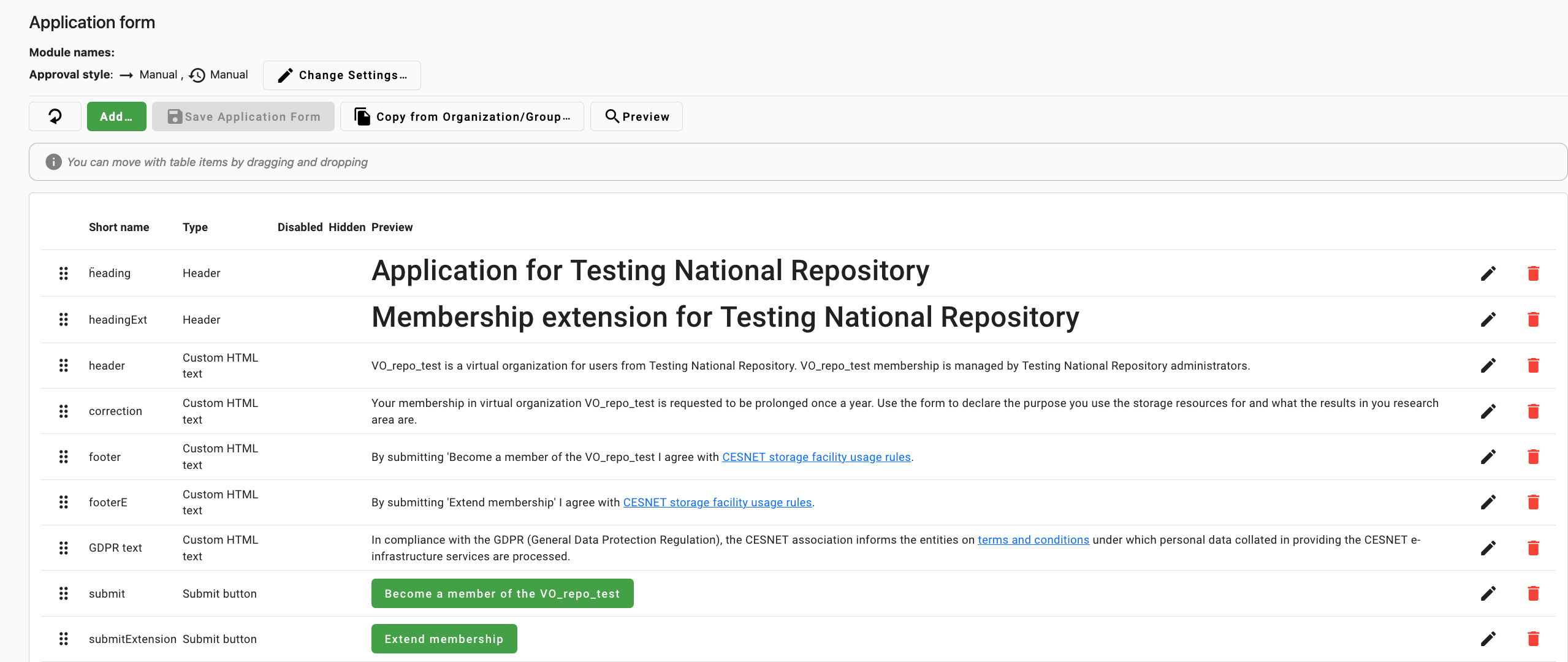 .
The application on the VO must be auto approved, otherwise invitations will not work.
.
The application on the VO must be auto approved, otherwise invitations will not work. - Create a notification for the pre-approved invitation
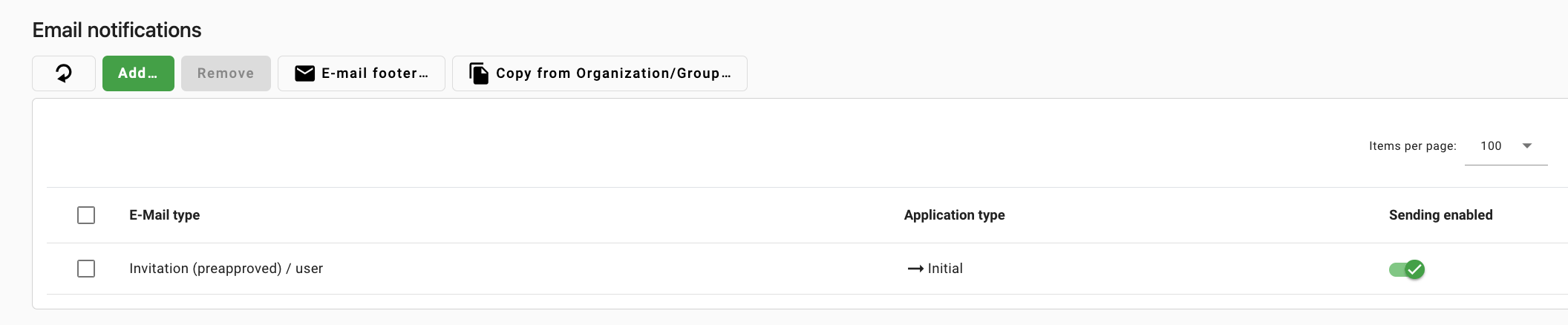
- Create an application form for the VO/group
- Inside the VO, create a repository service account
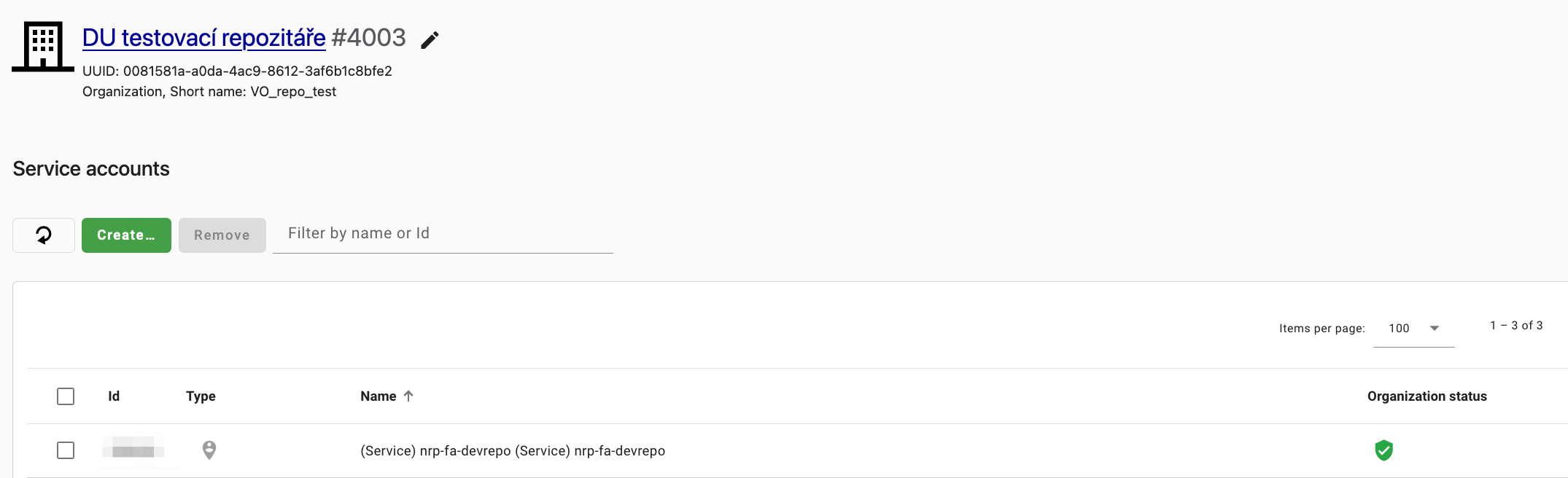
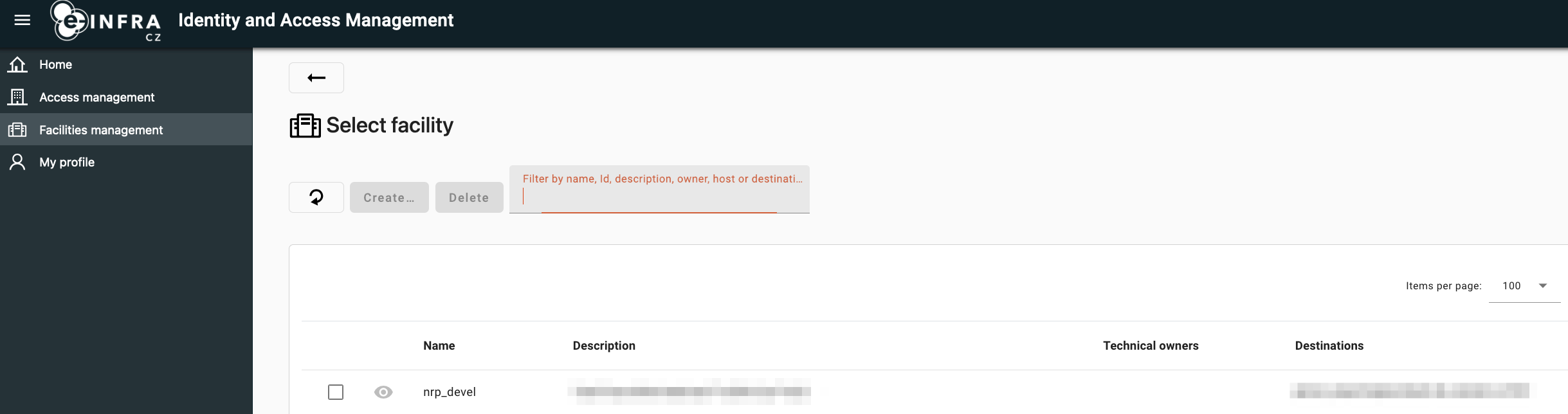
- Contact AAI support to create a facility that will represent the repository and to
create a synchronization service. Do not enable it yet. Also ask them to add permissions
on the facility to your repository service account
OIDC settings
In addition, set up a OIDC client in spadmin console . Configuration:
| Configuration | Value |
|---|---|
| URL of login page | https://<server>/oauth/login/e-infra/ |
| Redirect URIs | https://127.0.0.1:5000/oauth/authorized/e-infra/ https://<server>/oauth/authorized/e-infra/ |
| Flow the service will use | authorization code |
| Token endpoint authentication method | client_secret_basic |
| Proof Key for Code Exchange (PKCE) Code Challenge Method | none |
| Service will call introspection endpoint | yes |
| Scopes the service will use | openid, profile, email, organization, eduperson_entitlement, voperson_external_id, voperson_external_affiliation, isCesnetEligibleLastSeen |
Deployment parameters
Make sure you set up the following environment variables (or pass those in secrets’ json config):
| Variable | Value description |
|---|---|
| INVENIO_REMOTE_AUTH_ENABLED | ”true” |
| INVENIO_SERVER_NAME | The server name, such as myrepo.org |
| INVENIO_EINFRA_SERVICE_USERNAME | Username of the repository service account |
| INVENIO_EINFRA_SERVICE_PASSWORD | Password of the repository service account |
| INVENIO_EINFRA_REPOSITORY_VO_ID | ID of the VO. It is a number that is displayed in the console next to the name of the VO after # 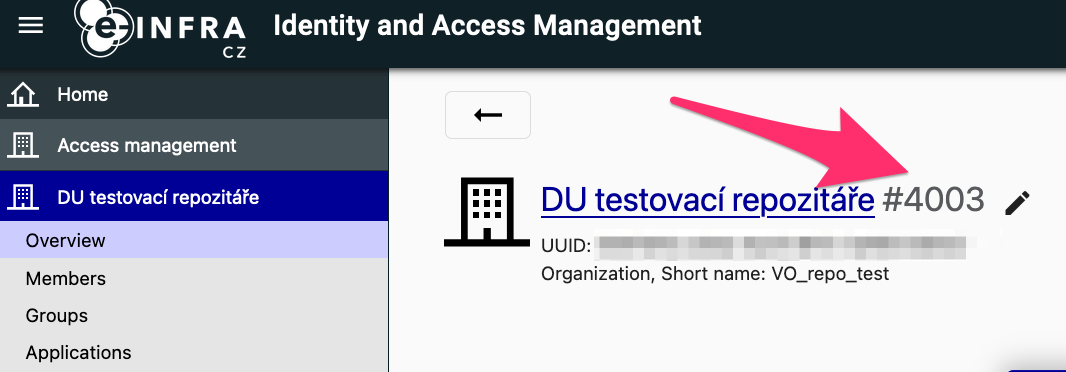 |
| INVENIO_EINFRA_COMMUNITIES_GROUP_ID | ID of the communities group. It is a number that is displayed in the console next to the name of the group after # 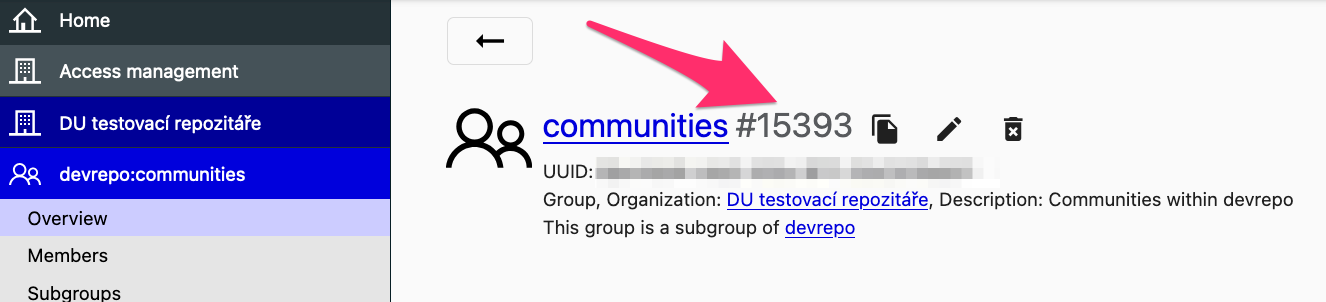 |
| INVENIO_EINFRA_REPOSITORY_FACILITY_ID | ID of the repository facility. In the console, head to facilities, display the facility and copy the ID displayed next to the facility name 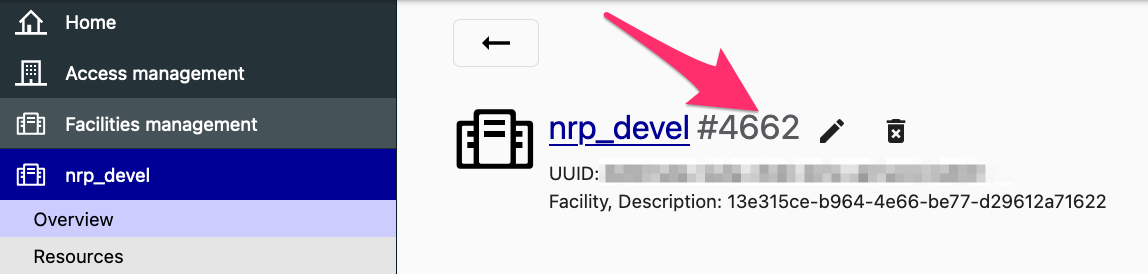 |
| INVENIO_EINFRA_SYNC_SERVICE_NAME | Name of the synchronization service, displayed on “services status” under the facility page 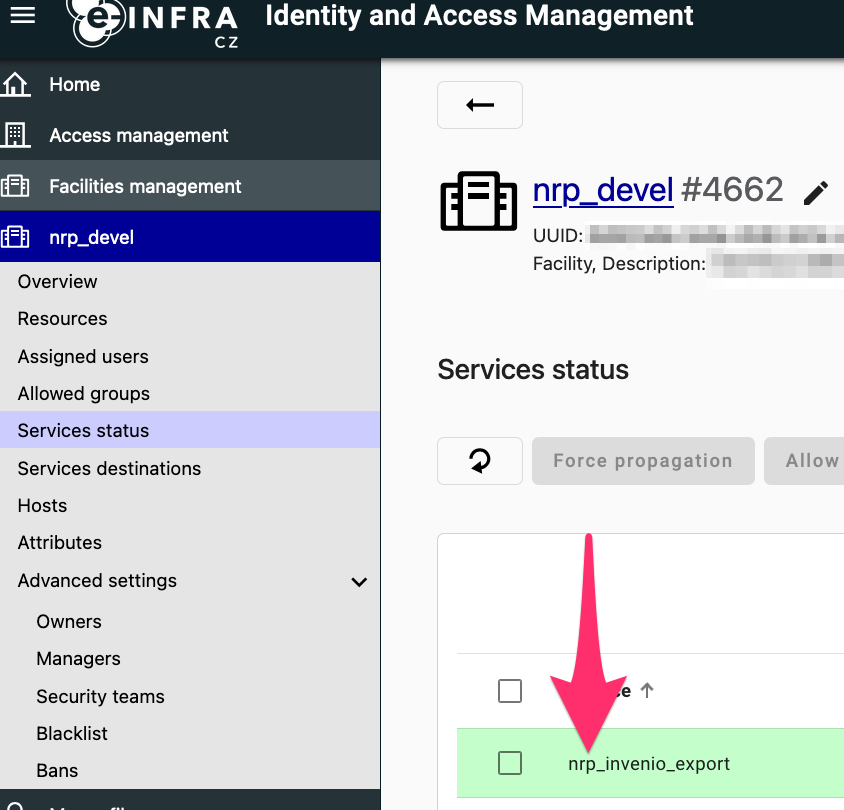 |
For exports from AAI:
| Variable | Description |
|---|---|
| INVENIO_EINFRA_USER_DUMP_S3_ACCESS_KEY | Access key to the S3 bucket where AAI puts dumps |
| INVENIO_EINFRA_USER_DUMP_S3_SECRET_KEY | Secret key to the S3 bucket where AAI puts dumps |
| INVENIO_EINFRA_USER_DUMP_S3_ENDPOINT | S3 endpoint, for example https://s3.cl4.du.cesnet.cz |
| INVENIO_EINFRA_USER_DUMP_S3_BUCKET | Name of the S3 bucket |
For OIDC:
| Variable | Description |
|---|---|
| INVENIO_EINFRA_CONSUMER_KEY | OIDC key |
| INVENIO_EINFRA_CONSUMER_SECRET | OIDC secret |
Note: these parameters need to be set up both for the “web” service and the background celery workers
invenio.cfg
Add the following section to invenio.cfg:
if os.environ.get("INVENIO_REMOTE_AUTH_ENABLED", "no").lower() in ("true", "yes", "1"):
    from oarepo_oidc_einfra import EINFRA_LOGIN_APP

    OAUTHCLIENT_REMOTE_APPS = {
        "e-infra": EINFRA_LOGIN_APP
    }
else:
    OAUTHCLIENT_REMOTE_APPS = {}
Note: If an empty OAUTHCLIENT_REMOTE_APPS is already present there, replace it with
the config above.
Last updated on